Websites
PHP vulnerability: is your Singapore WordPress website at risk?
If your WordPress website runs PHP 8.1 or older, yes. PHP fixed two critical flaws on 21 October 2026, but only for versions 8.2 to 8.5. Older versions get no official fix, and in Singapore a data breach can now cost up to S$1 million or 10% of local turnover.

In the news


If your WordPress website runs on PHP 8.1 or older, it is exposed, and it will stay exposed until it moves to a newer version. On 21 October 2026 the PHP project released fixes for two critical flaws that can let an attacker take control of a web server without logging in. The fixes cover PHP 8.2, 8.3, 8.4 and 8.5. In the PHP project’s own words, “PHP 8.1 and older no longer receive updates.”
Websites on a supported version are safe once the update is installed on the server. This guide explains what happened, how to check your site in two minutes, what a breach costs a Singapore business under the PDPA, and what to do this week.
What happened to PHP in October 2026?
PHP is the programming language WordPress is written in. Every WordPress website runs on a server with PHP installed, and so do Drupal, Joomla and Magento sites.
On 20 October 2026, PHP’s developers announced two critical vulnerabilities and asked everyone to update as soon as a fix was out. Both were rated 9.2 out of 10 on the CVSS v4.0 severity scale. The EU’s cyber emergency team, CERT-EU, said the rating pointed to unauthenticated remote code execution: an attacker can run their own code on your server without a password.
With reports that hackers were already exploiting the flaws, government agencies in the Netherlands and Finland took websites offline as a precaution. Cyber security agencies in Europe, Australia, Japan and Britain told organisations to patch immediately or take affected sites offline.
PHP released the fixed versions at 10pm Singapore time on 21 October: PHP 8.5.12, 8.4.27, 8.3.36 and 8.2.35. The two flaws are listed as CVE-2026-109618 and CVE-2026-109619.
“We are seeing early attacks emerging and are updating mitigations as new vectors show up. This is a STOPGAP only. Patch as soon as PHP releases the update.”
Dane Knecht, chief technology officer of Cloudflare, quoted by The Straits Times, 21 October 2026
Web host GoDaddy warned the flaws could lead to data theft, website defacement or full system compromise. On a business website, that means the attacker can reach your contact form entries, customer accounts, online orders and admin logins, and can plant malware or redirects that get your site flagged by Google.
Is my WordPress website affected?
It depends on which PHP version your server runs. The dates below come from the PHP project’s supported versions list, checked on 21 October 2026.
| PHP version | Security fixes from PHP | Fixed for the October 2026 flaws? | What to do |
|---|---|---|---|
| 8.5, 8.4, 8.3 | Yes | Yes: 8.5.12, 8.4.27, 8.3.36 | Make sure the update is installed on your server |
| 8.2 | Until 31 December 2026 | Yes: 8.2.35 | Install the update now, then move to 8.3 or newer before the end of the year |
| 8.1 | Ended 31 December 2025 | No official release | Upgrade to a supported version |
| 8.0 | Ended 26 November 2023 | No official release | Upgrade, after testing the theme and plugins |
| 7.4 and older | Ended 28 November 2022 or earlier | No official release | Upgrade; often needs theme and plugin work, sometimes a rebuild |
Because the flaws are so serious, PHP’s security team did publish minimal patches for 7.4, 8.0 and 8.1 as source code, for people who compile PHP themselves. Some Linux distributions and paid long-term support vendors also patch old versions. Most business websites run on shared or managed hosting that does not build its own PHP, so for a WordPress site on 8.1 or older the practical answer is to upgrade.
PHP also lists temporary settings for anyone who cannot update straight away, and is clear that they reduce exposure but “do not make an installation safe.”
How do I check which PHP version my website uses?
It takes about two minutes if you can log in to WordPress:
- Log in to your WordPress admin.
- Go to Tools → Site Health, then open the Info tab.
- Expand Server. The line PHP version shows the full number, for example 8.2.35.
If your dashboard already shows a “PHP Update Recommended” or “PHP Update Required” box, your version is old. If you can’t log in, ask your web host or whoever built the site, or send us your website address and we’ll check it for you as part of a free scan.
Why won’t WordPress automatic updates fix this?
PHP lives on the server, not inside WordPress. WordPress can update itself, your theme and your plugins automatically, but it cannot change the PHP version underneath it. That is set by your hosting.
Wordfence, a widely used WordPress security plugin, made the same point this week: automatic updates will not apply this fix, so site owners need to find out who is responsible for updating PHP on their server. For many Singapore businesses the honest answer is nobody. The agency that built the site has moved on, the hosting is a cheap shared plan where changing PHP is the customer’s job, or the site sits with an IT vendor who looks after laptops, not websites.
There is a reason so many sites stay on old PHP for years. Moving up a version can break an old theme, page builder or plugin, and a broken site looks worse than an old one. The safe way is to copy the site to a staging server, switch PHP there, fix whatever breaks, and only then change the live site.
What can a data breach cost a Singapore business?
Since October 2022, the Personal Data Protection Commission (PDPC) can fine a company up to 10% of its annual Singapore turnover if that turnover is above S$10 million, or up to S$1 million otherwise. Parliament passed the higher limit in the amended PDPA in November 2020. Companies must also tell the PDPC within three calendar days once they assess that a breach is notifiable.
Two Singapore cases show how these breaches happen:
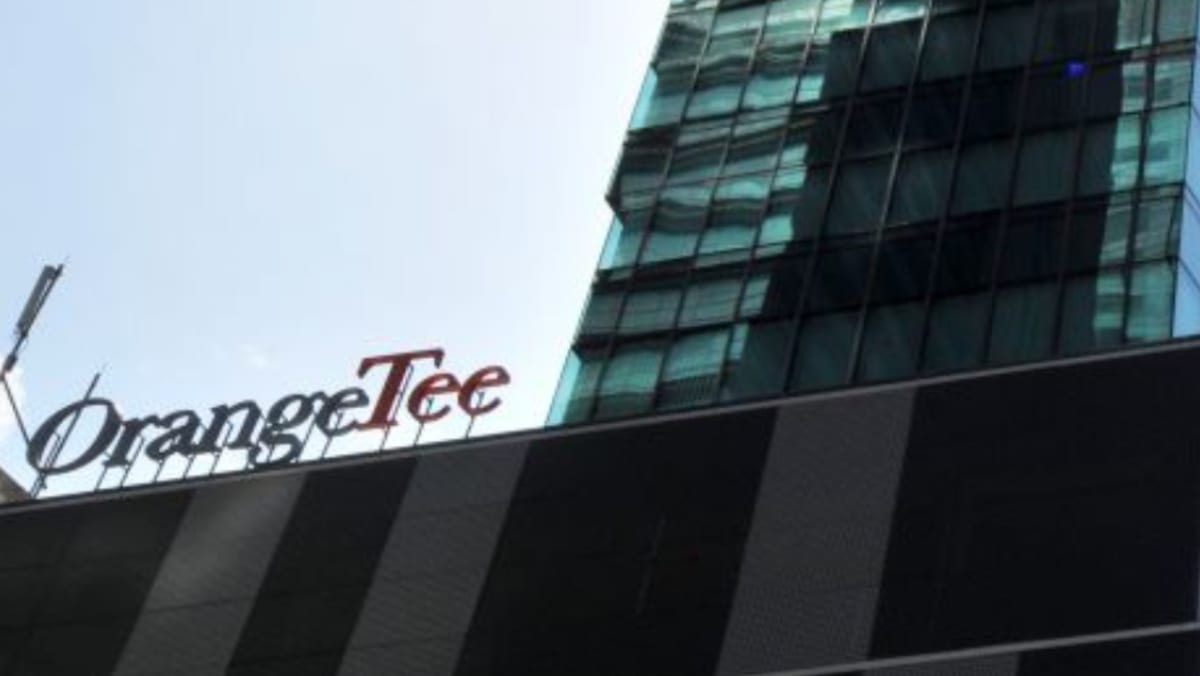
- OrangeTee & Tie (fined S$37,000, April 2023). In 2021 a hacking group got in through servers running software that Microsoft no longer supported. It took 11 databases holding the data of 256,583 customers and employees, including NRIC and bank account numbers, demanded a ransom of 10 Bitcoin and knocked the company’s network offline when it wasn’t paid. The PDPC found the firm had not run reasonable periodic security reviews.
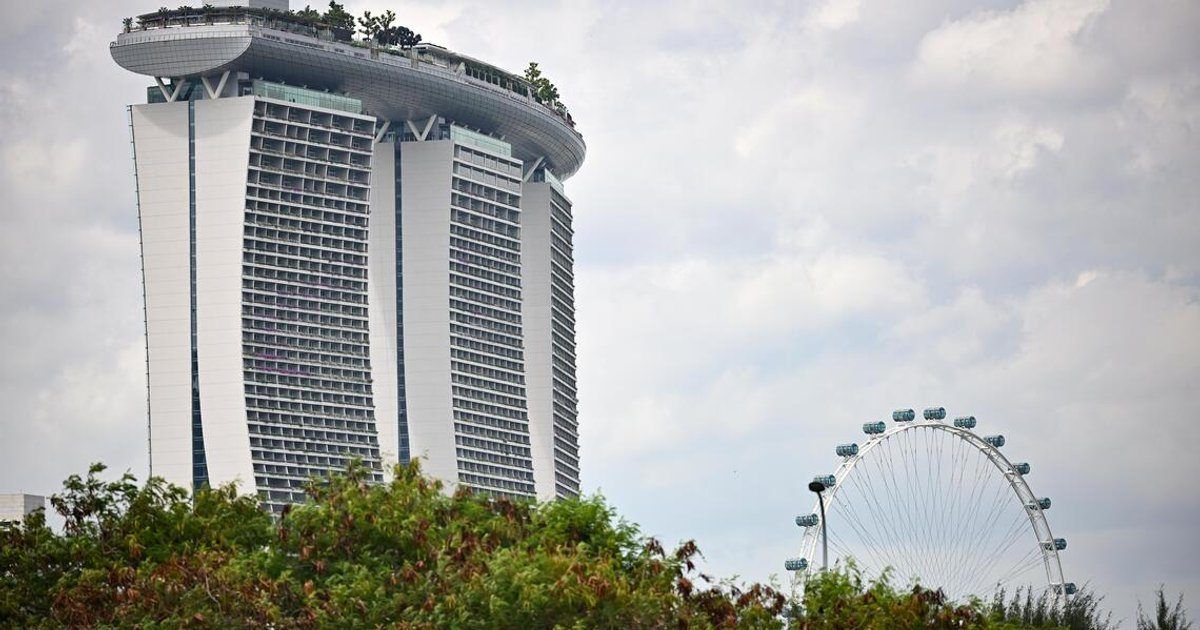
- Marina Bay Sands (fined S$315,000, October 2025). During a software migration in 2023, a security setting was left out on one webpage. Nobody noticed for six months, and the names and contact details of 665,495 visitors were taken and later offered for sale on the dark web. It is the PDPC’s second-highest fine, after S$750,000 for IHiS over the 2018 SingHealth breach.
Neither was a WordPress site, but the pattern is the same one this PHP news exposes: software that stopped getting security fixes, and nobody checking. In both cases the PDPC asked whether the company had taken reasonable security measures. If your website’s contact form collects names, emails and phone numbers, that is personal data under the PDPA, and a server running PHP that no longer gets security fixes is a hard thing to defend as reasonable.
The fine is often the smaller cost. Clean-up, downtime, a Google warning on your site, telling the customers affected, and the trust you lose with them usually cost more.
The takeaway
Check your PHP version today. On 8.2 to 8.5, make sure the 21 October update is installed. On 8.1 or older, plan the upgrade now, test it on a copy first, and name the person responsible for your server.
What should I do this week?
- Check your PHP version in Tools → Site Health → Info → Server.
- On PHP 8.2 to 8.5: confirm it now shows 8.2.35, 8.3.36, 8.4.27 or 8.5.12 or later. If it doesn’t, ask your host when they will install it.
- On PHP 8.1 or older: take a full backup, copy the site to staging, switch PHP there, test every page, form and checkout, then switch the live site.
- Update WordPress, your theme and plugins first. Outdated plugins are the usual reason a PHP upgrade breaks a site.
- Put a firewall in front of the site as a stopgap, such as Cloudflare or a WordPress security plugin. It buys time; it does not replace the update.
- Look for signs of a break-in: admin users you don’t recognise, unfamiliar files, or visitors being redirected to other sites.
- Name an owner. Write down who is responsible for updating PHP on your server. If the answer is nobody, that is the real problem to solve.
Patch, tune up or rebuild: what does my site need?
Most sites fall into one of four situations.
| Your situation | What usually fixes it | Where Nerb helps |
|---|---|---|
| The site works and runs PHP 8.2 or newer, but nobody looks after it | Ongoing updates, with PHP upgrades tested before they go live | WordPress Hosting & Maintenance, from S$650 a year |
| The site runs PHP 8.1 or older, and the theme and plugins are still updated | A one-off upgrade on a staging copy, then security hardening | Website Speed & Security tune-up, from S$800, quoted after a free scan |
| The site runs PHP 7.x, or its theme or page builder stopped getting updates years ago | Often a rebuild costs less than patching old code | Web design, from S$980, with the first year of hosting included |
| The site has already been hacked | Clean-up first, then close the way in | What to do if your WordPress site was hacked |
On our hosting and maintenance plans, server patches are applied for you, and PHP is upgraded only after we’ve tested your site on the new version. That is the job most business owners never knew they needed doing until a week like this one.
Not sure which group you’re in? Send us your website address and we’ll tell you which PHP version it runs and what it needs, free.